
You run a small business. You spend hours each week answering the same questions over and over. "What are your hours?" "How much does it cost?" "Do you ship here?" You know a chatbot could help, but every "free" tool you try either hides its best features behind a paywall or cuts you off after 50 messages. It feels like "free" is just a bait and switch.
But that is not the full picture. Some free chatbot platforms actually deliver real value at no cost. You just need to know which ones work, what their real limits are, and how to pick the right fit for your specific needs.
This guide compares 10 free chatbot tools for small businesses in 2026. No fluff. No hidden catches. Just honest breakdowns so you can build a bot that actually helps your business grow.
What "free" really means: free vs freemium chatbots for small business
Most chatbot platforms offer a free plan, but they all have limits. Here's what you'll typically run into:
- Truly free: Essential features with no time limit. Typebot gives you 200 chats/month, full builder access, and AI tools.
- Freemium: Basic access, but advanced features and integrations are locked.
- Free trial: Full access for a limited time (2-4 weeks), then you pay.
- Open-source self-hosting: Install on your own server to bypass vendor fees and limits.
Most free plans also cap conversations (100-200/month), lock certain features, show branding, or limit you to one seat.
This guide covers tools that are actually useful at $0. You'll know the limits upfront, so you can build a bot that helps your business — not just one you experiment with.
Let's look at the top free chatbot tools for small businesses in 2026.
2. Free chatbot comparison table: what you actually get for $0
Here's a quick comparison of what the top 10 chatbot tools offer for free.
The table shows monthly chat limits, AI access, logic features, deployment options, and more. It makes it easier to see which platforms actually deliver something practical at no cost.
| Platform | Free chats/month | AI Access | Conditional logic | No-code builder | Self-hosting | |
|---|---|---|---|---|---|---|
| Typebot | 200 | ✅ Yes | ✅ Yes | ✅ Yes | ✅ Yes | ✅ Yes |
| Tidio | Limited/Undisclosed | Basic Lyro | Basic | ❌ | ✅ Yes | ❌ |
| ManyChat | 1,000 contacts | Limited | Basic | ✅ Yes | ✅ Yes | ❌ |
| Chatbase | Limited | ✅ Yes (RAG) | ❌ | ❌ | ✅ Yes | ❌ |
| HubSpot Chatbot | Unlimited (CRM) | ❌ (rule-based) | Limited | ❌ | ✅ Yes | ❌ |
| Landbot | 100 | ❌ | ✅ Yes | ❌ | ✅ Yes | ❌ |
| Chatfuel | – (No free plan) | ✅ Yes | Basic | ✅ (paid) | ✅ Yes | ❌ |
| Botpress | 500 messages | ✅ Yes | Partial/Advanced | ✅ Yes | Partial | ❌ |
| Crisp | Unlimited (manual) | ❌ | Basic | ❌ | ✅ Yes | ❌ |
| Zoho SalesIQ | Limited | ❌ | Basic | ❌ | ✅ Yes | ❌ |
| Here’s what stands out: |
- Typebot’s free tier includes full AI features, visual logic flows, and direct WhatsApp deployment. It also offers an option to self-host and skip usage caps.
- Most other tools either limit AI on the free plan, set strict usage caps, or leave out logic and multi-channel support unless you upgrade.
- With Typebot or Botpress, open-source self-hosting can help you avoid those limitations entirely.
Keep these details in mind as we dive into what makes each tool different.
1. Typebot: best free open-source chatbot builder for small business
Why Typebot stands out for budget-conscious small businesses
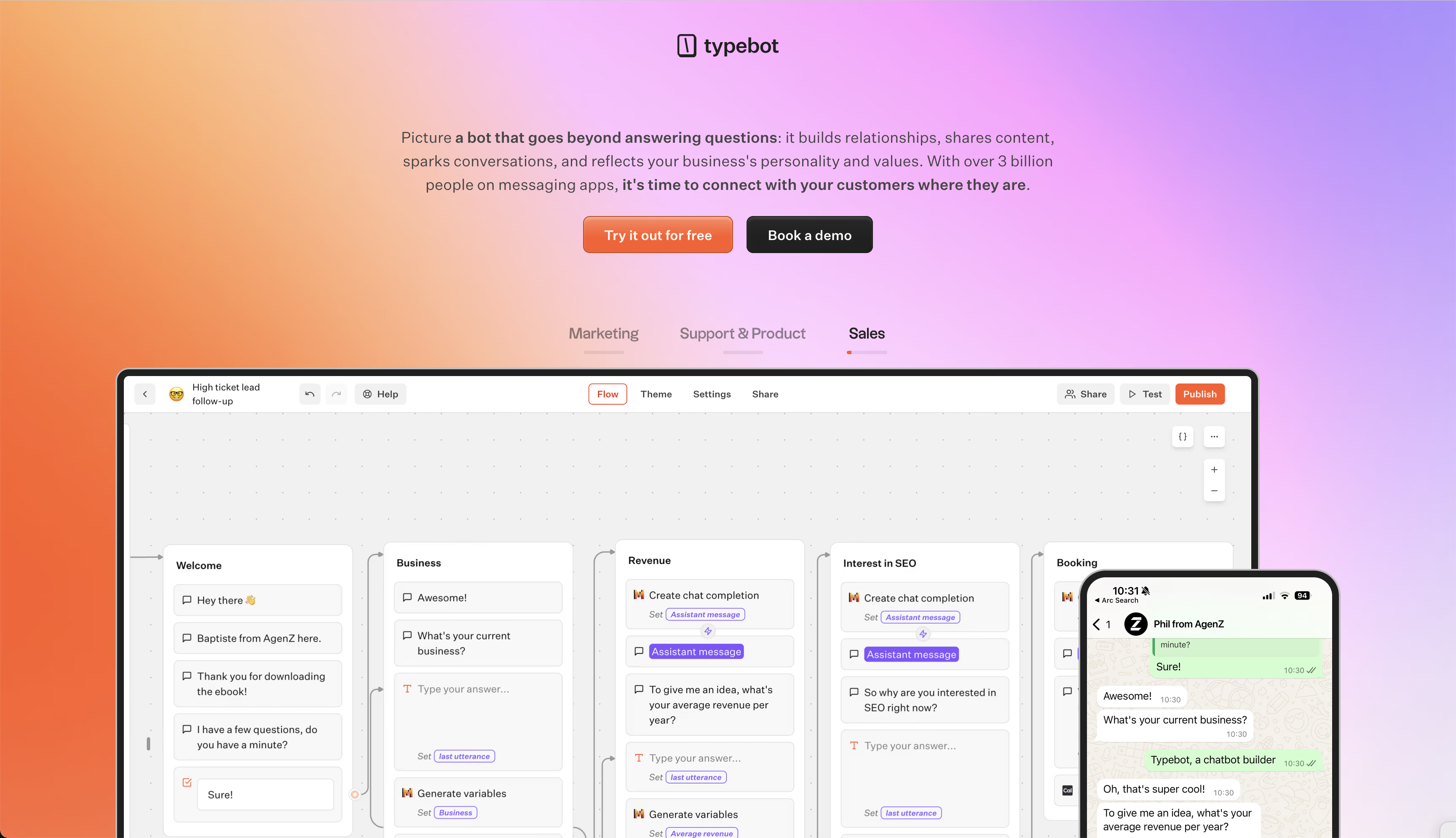
Typebot gives you a solid, no-cost way to add chatbots, without running into surprise paywalls. The free cloud plan covers 200 chats each month.
It also includes the core tools most companies need: support for advanced AI blocks, like OpenAI, Anthropic, and Mistral, full visual flow logic, and WhatsApp deployment. You also get Google Sheets and webhook integrations, features that many other platforms keep behind a paywall.
Because it’s open source, Typebot lets you self-host if you want. That means any business can run as many chatbots as they need, with no usage limits or missing features, right on their own servers.
This appeals to teams focused on privacy, or agencies looking to avoid getting tied to one vendor or recurring monthly costs.
Key features and limitations
You don’t need to write code to get started. Just use the drag-and-drop builder to shape your bot conversations.
You can easily collect emails, phone numbers, or payments. You can also set up conditional logic, and add your own scripts or calculations.
A few notable integrations:
- Google Sheets: Store leads or other structured info directly where you need it.
- Webhooks/HTTP blocks: Connect to any external API as needed.
- WhatsApp: Deploy bots to reach users on their mobile devices, something you rarely see in free tiers elsewhere.
Typebot’s built-in analytics show completion and drop-off rates. This makes it easier to see where users leave the flow.
The only real cap is on the free cloud plan, those 200 chats per month. If you host Typebot yourself, there’s no limit at all.
Unlike a lot of other platforms, you get all the features right from the start.
Pricing if you need more
If your needs grow past the free tier, the upgrade path is simple:
- Starter ($39/month): Covers 2,000 chats and 2 team members.
- Pro ($89/month): Handles 10,000 chats and 5 team seats.
You won’t get hit with extra per-message or per-contact charges. That keeps costs predictable as your usage grows.
If you want complete control and no recurring fees, you can keep using the self-hosted open-source version for free, no matter how much volume you have.
Eliminate the need for developers—build your bot in minutes.
No trial. Generous free plan.
2. Tidio: best free chatbot for e-commerce stores
What the free plan includes
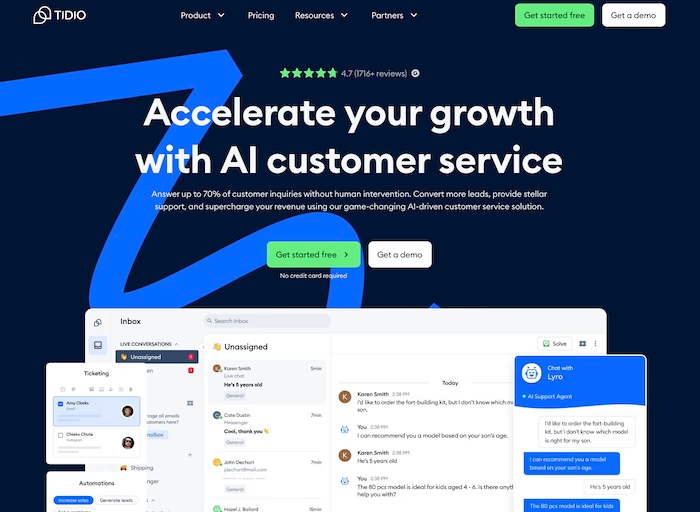
Tidio blends live chat and simple automation, so it’s a handy option for e-commerce stores that want to engage visitors right away.
The free plan includes a live chat widget, real-time visitor monitoring, and a drag-and-drop builder. You can automate responses to common questions, such as tracking orders or explaining return policies, directly on your site.
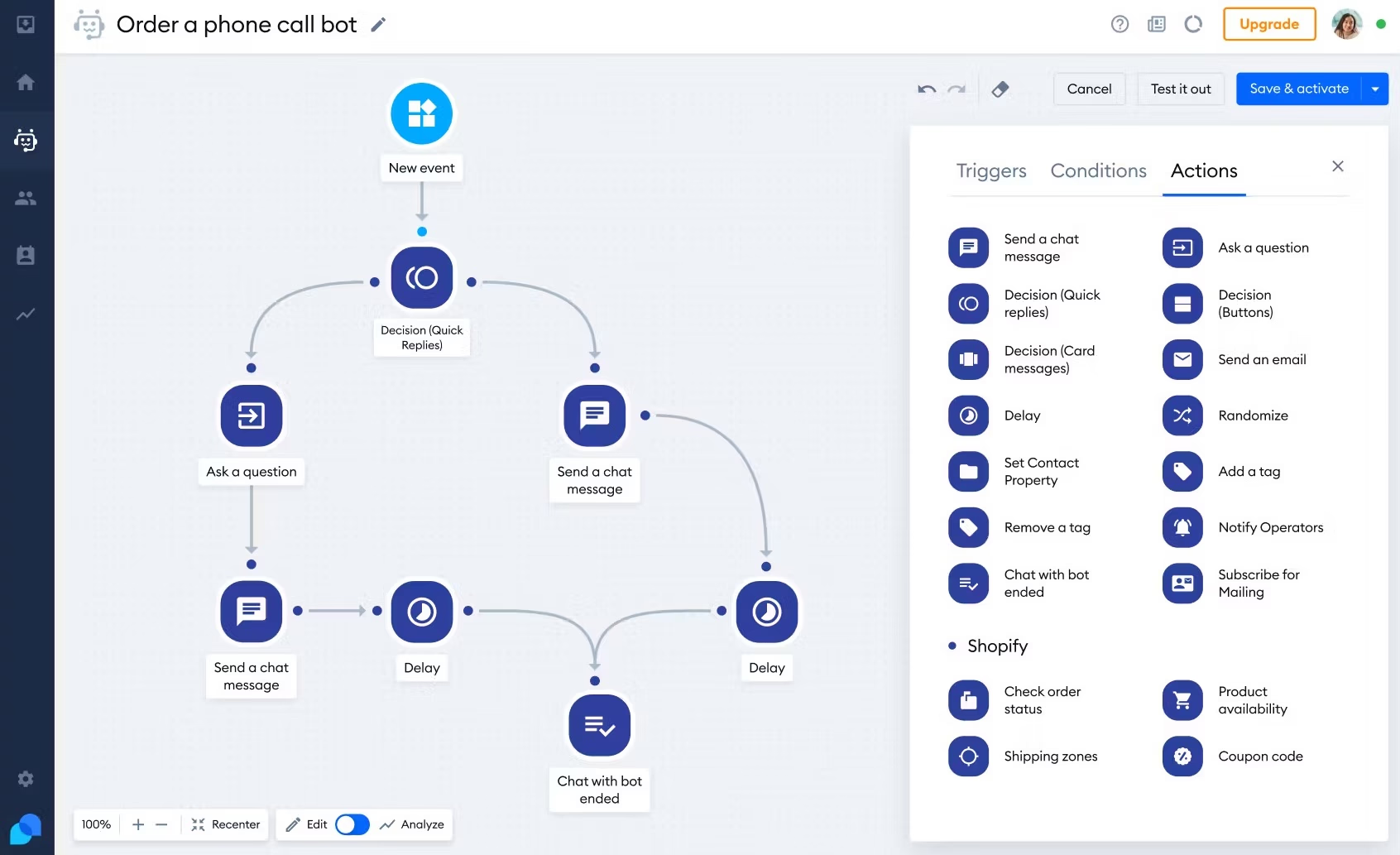
If you’re using Shopify or WooCommerce, Tidio has native plugins that make setup straightforward.
The free version also comes with templates for FAQs and capturing leads, plus customizable triggers. For instance, you could set a chat popup to appear just as someone is about to leave their shopping cart.
The visitor monitoring feature shows you what pages a customer is viewing.
That lets you reach out proactively and help them finish their purchase.
Limitations and paid pricing
The free plan gives you basic support and simple chat flows, but there are a few limitations.
- AI restrictions: You only get limited access to Lyro, Tidio’s conversational AI. If you want fully automated, more complex interactions or advanced FAQ handling, you’ll need to upgrade.
- Analytics: Detailed performance metrics and conversion tracking aren’t included in the free tier. That makes it harder to see how your chat script affects sales.
- Complexity: There are caps on how complex your automations can be, and some agent handoff features aren’t available.
Paid plans start at roughly $29 a month. They unlock Lyro AI, more in-depth analytics, and support for higher chat volumes.
Tidio works well as a starting point for stores that want integrated live chat and automation. Just keep in mind that the free version is best for basic needs.
3. ManyChat: Best free chatbot for social media marketing
What the free plan includes
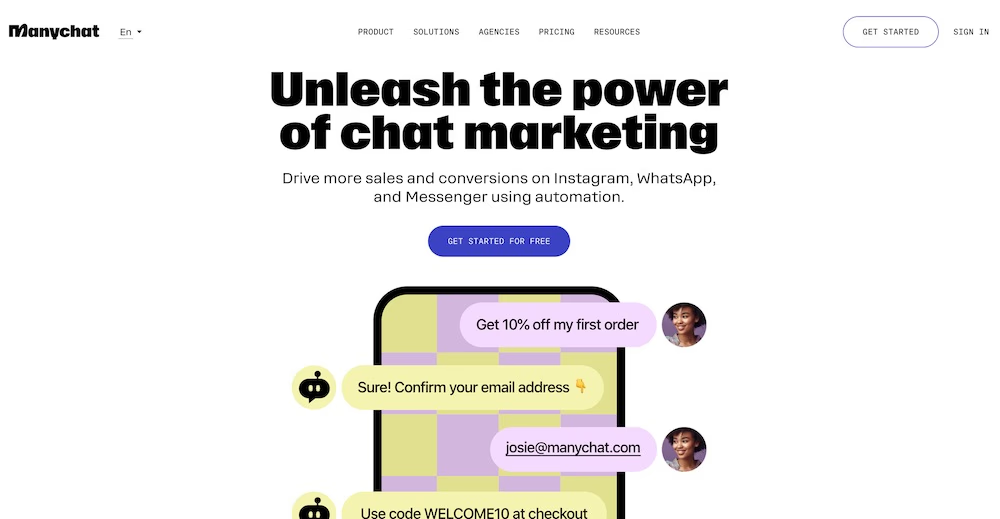
ManyChat is built for businesses that put social media front and center, like Instagram DMs, Facebook Messenger, and WhatsApp.
Its free plan includes automation tools for these channels, with support for up to 1,000 contacts. You also get a visual conversation builder to map out your flows.
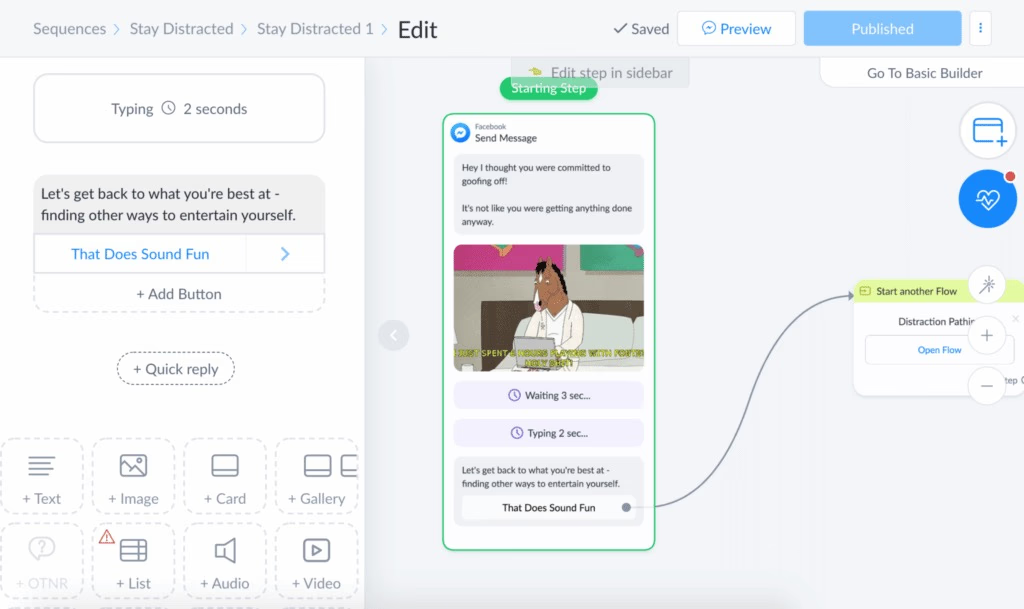
As an official Meta partner, ManyChat offers reliable triggers for post replies, story mentions, and comment-based automations.
Here’s what’s included:
- Centralized inbox: Keep track of all your social conversations in one dashboard.
- Automated replies: Set up responses for FAQs and welcome messages. These run around the clock.
- Basic segmentation: Organize contacts for simple lead generation or broadcast messages.
- Integrations: Connect with Shopify and Google Sheets to manage leads or recover carts.
- Live chat handoff: The chatbot can pass conversations to a real human when it hits a wall.
Limitations and paid pricing
ManyChat really shines on social platforms. However, its website chat widget does not offer as much customization or intelligence as tools built for websites.
Small businesses should also keep a few limits in mind.
- Contact cap: Automation stops after you reach 1,000 unique contacts. This covers inactive and unsubscribed accounts too, and managing them in bulk is not easy with the free version.
- Flexibility: The conversation builder relies mostly on templates. If you want custom flows with lots of rules or technical tweaks, it can feel limiting.
- Feature gating: SMS, email integrations, and advanced analytics are all behind a paywall.
Paid plans begin at $15/month, and your price goes up based on your contact count.
As your audience grows, you will likely pay more. ManyChat is a solid starting point for social media engagement, but if your business needs more complicated logic or expects to scale quickly, the higher-tier costs might sting.
4. Chatbase: Best free AI chatbot for simple FAQ automation
What the free plan includes
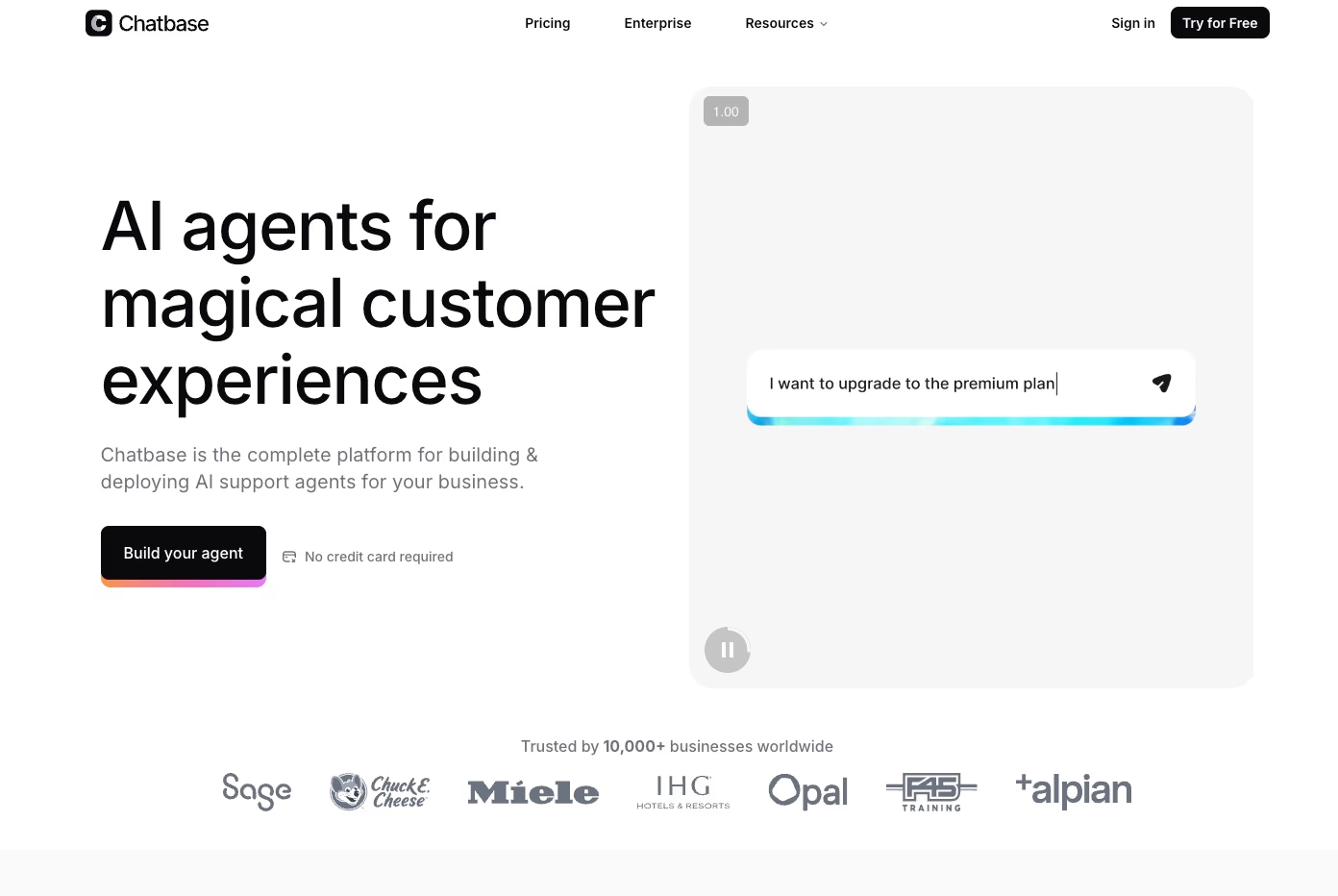
Chatbase is aimed at small businesses that need an AI chatbot trained on their own data.
Setup is quick. Just upload PDFs, Word files, or website URLs, and the platform builds a searchable knowledge base for you. For most people, launching a bot takes less than ten minutes.
Here’s what you get with the free plan:
- One chatbot: Good for basic testing or a single FAQ bot.
- Content training: The bot answers questions using your uploaded documents or site text, so you do not have to write scripts.
- Customization: You can tweak instructions, appearance, and welcome messages, but only the basics.
- Analytics: See chat volumes and Confidence Scores, which help you fine-tune responses.
Chatbase works best for straightforward questions, like store hours, password resets, or return policies. It is a handy option for solo founders or teams with limited tech experience.
Limitations and paid pricing
Chatbase keeps things simple, so you will miss some advanced features that other platforms offer:
- No flow logic: There is no support for branching conversations, qualification routines, or booking workflows.
- Limited integrations: You will not find built-in options for WhatsApp, Facebook, or large-scale broadcasting.
- No live chat handoff: If the bot gets stuck, there is no easy way to send the conversation to a human agent.
- Usage caps: The free plan has tight message limits, usually 20 to 100 credits per month, so it is really just a starter or trial.
If you need more, paid plans begin at $19/month for 2,000 messages and two chatbots. Higher tiers go up to $399/month if you want additional credits or better AI models for bigger teams.
Chatbase is worth considering if you want to quickly turn documents into a searchable Q&A bot. But if your project needs lead qualification or more complex logic, Typebot’s free option is probably more flexible.
If you're looking for a flexible way to build an intelligent FAQ chatbot, check out our guide on how to build an FAQ chatbot with Typebot's free plan.
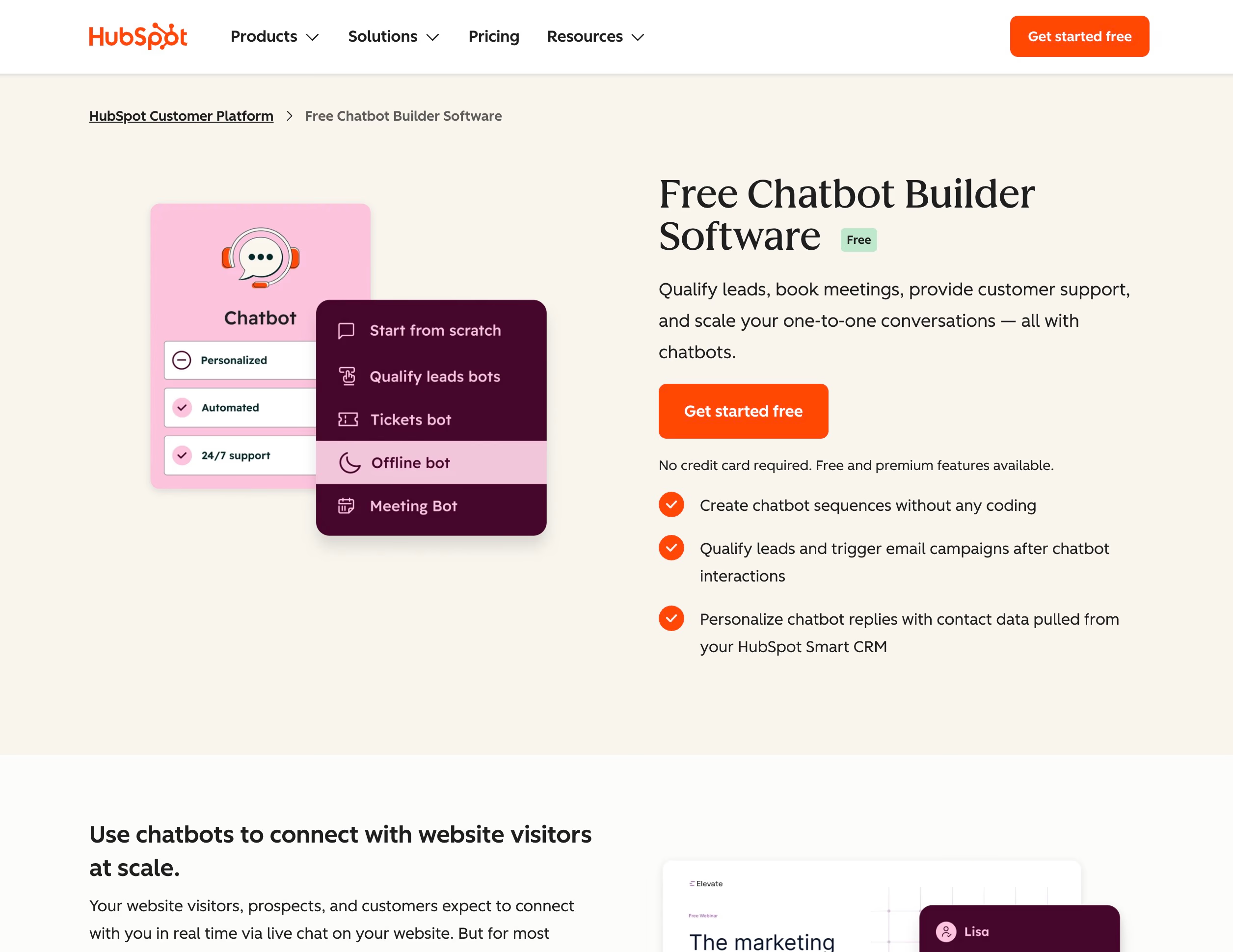
5. HubSpot Chatbot Builder: Best free chatbot within a CRM
What the free plan includes
HubSpot Chatbot Builder plugs right into the free CRM. If you already use HubSpot for sales or customer records, you can launch a chatbot quickly. There is no need to wrestle with new software.
The free plan tackles a handful of basic tasks:
- Lead qualification: It asks pre-set questions to screen website visitors.
- CRM integration: When someone qualifies, their info goes straight into your contact database.
- Activity tracking: Every chat gets logged with existing contact records, so you can see all your interactions in one spot.
Limitations and paid pricing
HubSpot’s free chatbot is built for simple, rule-based flows. It does not try to compete with platforms that offer specialized, flexible bots.
- No advanced logic: You will not find complex branching or detailed decision trees here.
- Rule-based only: Responses stick to what you design, so there is no AI handling tricky questions.
- Channel restrictions: The free chatbot works mostly on your website. Expanding to channels like WhatsApp or social platforms is not part of the free deal.
If you want advanced reporting or more flexible workflows, you will need a Marketing Hub subscription. Costs ramp up fast as your team grows. HubSpot makes sense if you want straightforward lead capture in its CRM.
But if you want to build more sophisticated, AI-powered bots for free, something like Typebot usually offers greater flexibility.
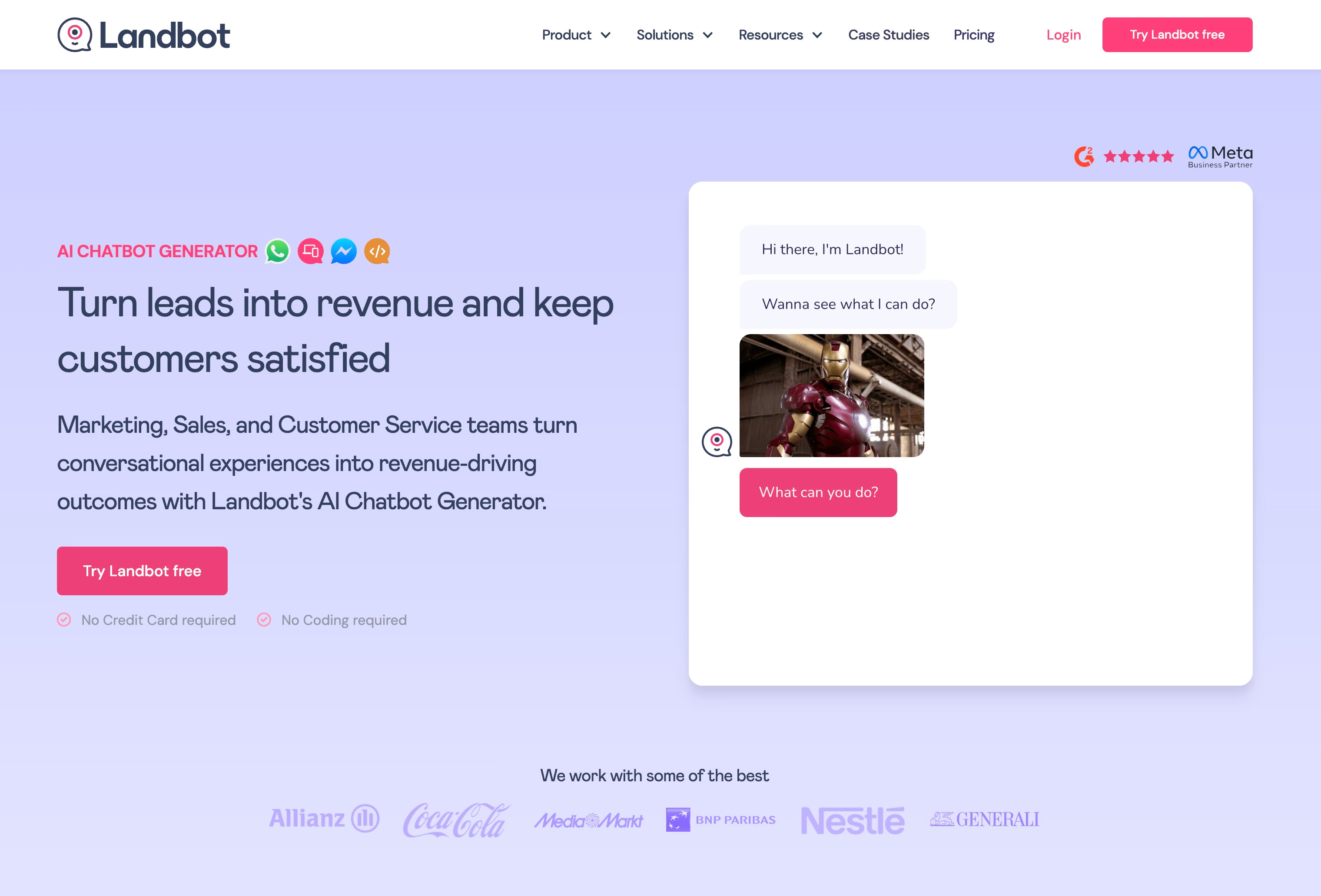
6. Landbot: Best free chatbot for design-focused businesses
What the free plan includes
Landbot is best suited for people who care about how things look and feel, but are not necessarily technical experts.
The drag-and-drop interface lays out conversation steps like building blocks. This makes it easy to create flows without coding.
This works well for lead qualification, surveys, and booking appointments.
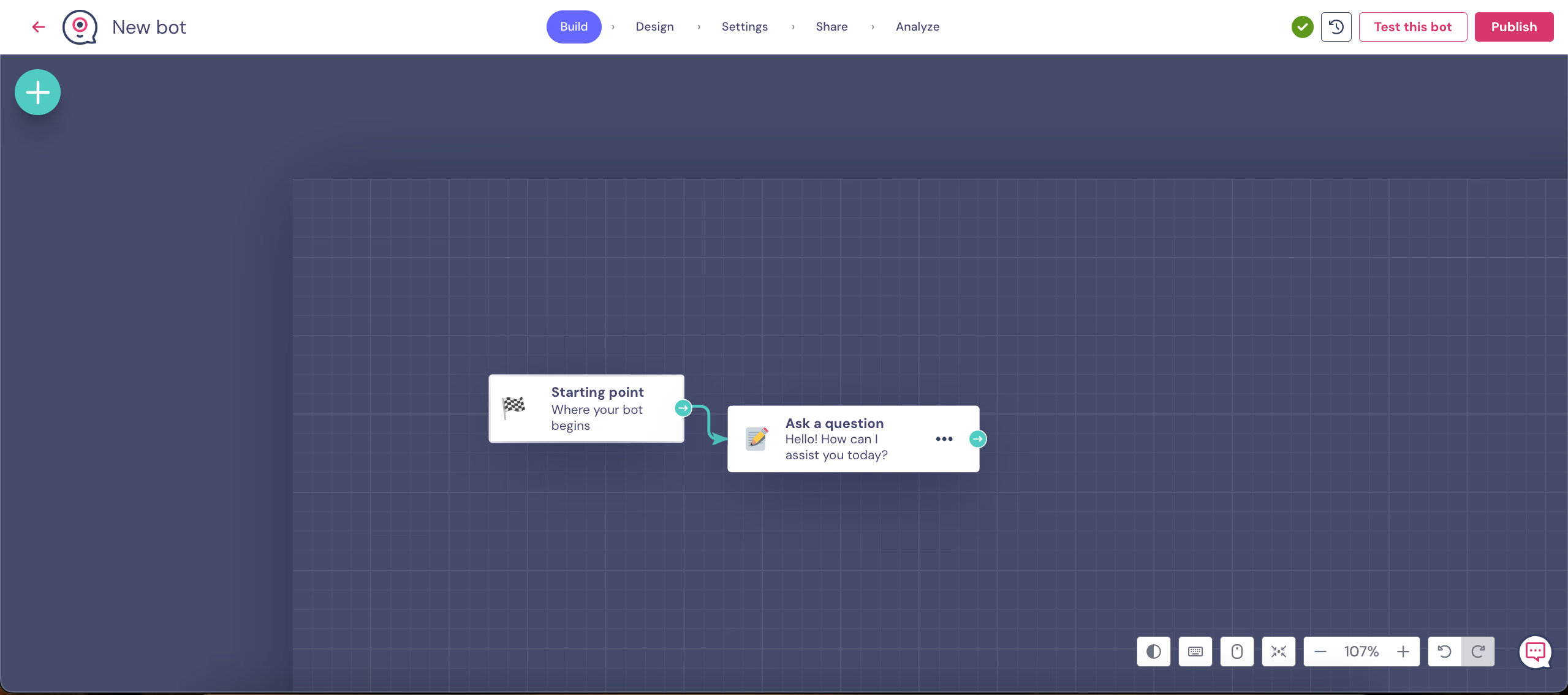
Here is what you get with the free plan:
- Template library: Use pre-built blueprints for typical business interactions.
- Conditional logic: Set up customized pathways that adapt to what users say.
- Visual customization: Adjust the chat interface's appearance to match your brand.
There is one catch. The free plan only includes 100 chats per month.
That is enough for design prototypes, demos, or small-scale testing. It is not enough for businesses with high customer volume.
Limitations and paid pricing
The 100-chat limit becomes restrictive once your business starts getting more visitors.
Most advanced features are also locked behind a paid plan.
- No AI access: AI-powered automation is unavailable unless you upgrade.
- Limited integrations: You cannot connect to tools like HubSpot, Airtable, or Calendly, and you cannot add multiple user seats without paying.
- WhatsApp pricing: Multi-channel options, especially WhatsApp, cost more than some other chatbot platforms.
So, Landbot works well for smaller teams creating branded microsites or quick proof-of-concept projects.
Once your needs grow, you will likely need a paid plan. That can get expensive compared with options like Typebot, which are more flexible.
Integrate Typebot with your favorite tools and watch your workflow thrive.
No trial. Generous free plan.
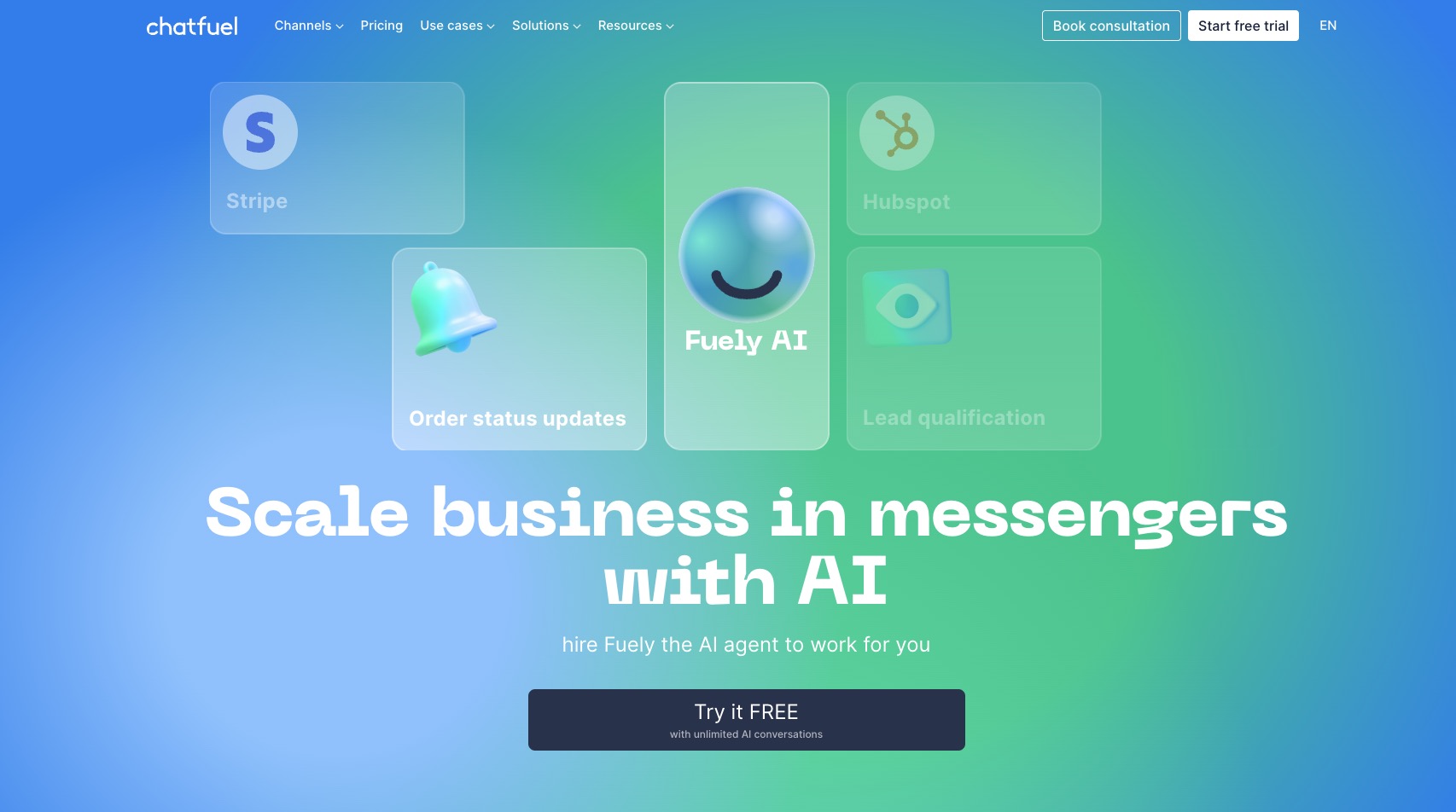
7. Chatfuel: Best Free Chatbot for Facebook Messenger
What the free plan includes
Chatfuel makes it easy to automate Facebook Messenger fast, especially if you want to get up and running quickly.
Its visual drag-and-drop editor and template library mean you do not need coding experience to set up a basic bot. Just sign in with your Facebook account, and you can start building bots to answer common questions, capture leads, or handle appointment bookings.
A few of the highlights:
- ChatGPT integration: Chatfuel uses AI to understand natural language and give contextual replies.
- Segmentation: You can tag users to run targeted marketing campaigns within Messenger.
- Analytics: The built-in dashboards help you track engagement and see how your bot is performing.
- Multi-channel support: While it is built for Messenger, it also covers Instagram and WhatsApp.
Limitations and paid pricing
But here is the catch: Chatfuel no longer offers a forever free plan. There is a free trial so you can build and test things out, but launching a bot for real use now requires a paid plan, starting at $14.39/month, billed annually.
- No self-hosting: With Chatfuel, everything runs on their servers. Unlike Typebot, there is no way to host it yourself and use it unlimited.
- Messenger focus: Although web chat is possible, the web widget is pretty basic and does not have the same flexibility or polish as some web-native options.
- Feature gating: More advanced features, like custom routing and live agent handoff, are only available on higher-tier plans.
So, Chatfuel is handy for businesses that mostly stick to Meta’s platforms. But if you are looking for a permanent free plan or want more control over customization and data, it might not be the best fit.
8. Botpress: Best Free Chatbot for Technical Users
What the free plan includes
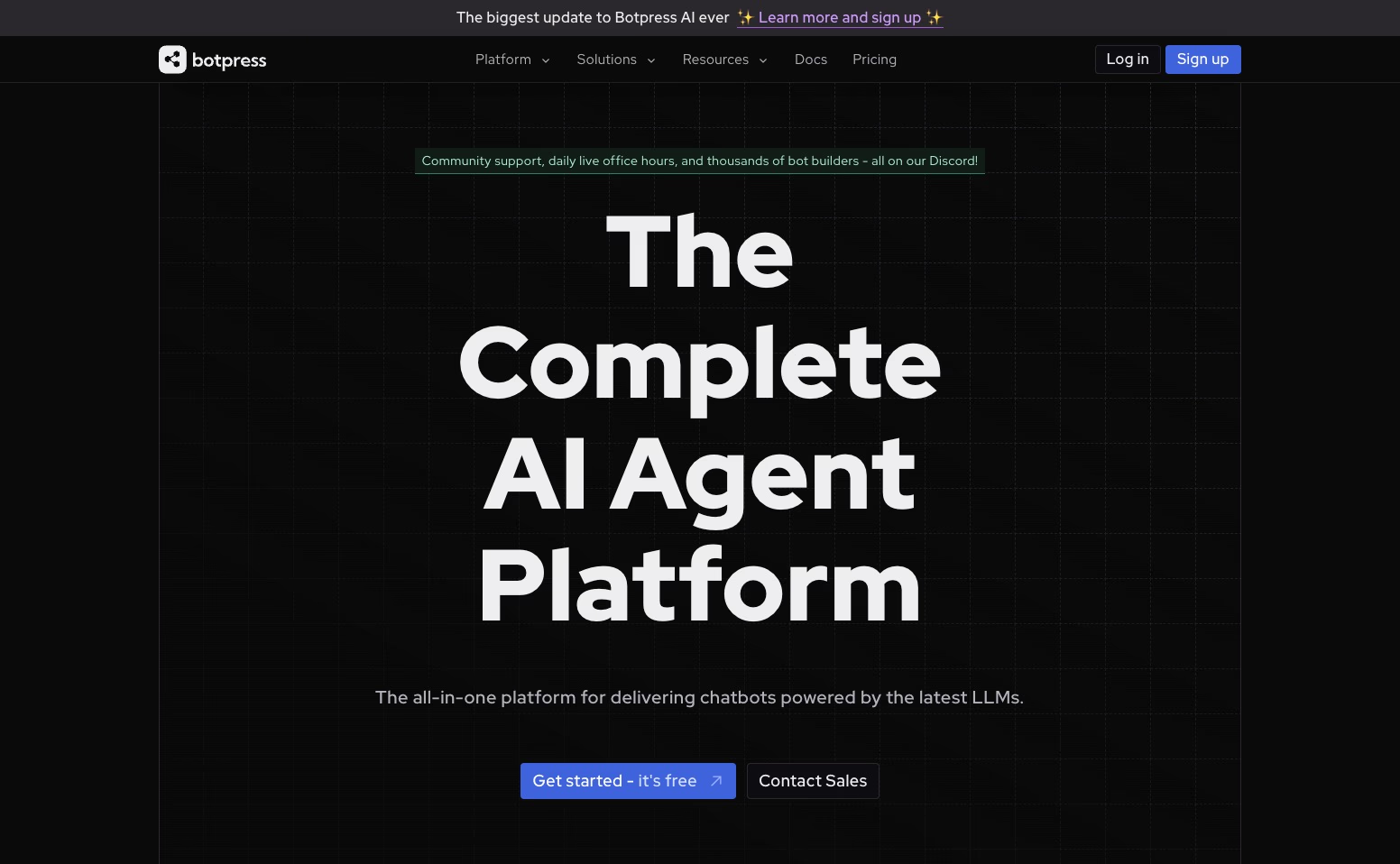
Botpress is designed with developers and technical teams in mind. If you need advanced AI, heavy customization, or broad integration options, this platform is a strong fit. On the free plan, you can launch one chatbot.
You are also limited to 500 messages each month.
Here is what you get with Botpress’s free tier:
- Advanced AI tools: You can use specialized agents for tasks like data analysis, translation, and summaries. You can also train the bot using documents through the Knowledge Agent.
- Multi-channel deployment: Botpress works across up to 10 channels, including websites, WhatsApp, Slack, Telegram, Facebook Messenger, and a few others.
- Customizable widget: There is a visual flow builder, a chat widget you can brand to your liking, and an emulator for testing how things run.
- Integrations and storage: Built-in connections to Zapier and Zendesk are available, along with 100MB of knowledge base storage.
Botpress is a good fit if your business needs to handle complex customer service across several channels.
It is also a strong choice if you want features like vision analysis or multilingual support.
Limitations and paid pricing
For small businesses, Botpress’s steep learning curve can be a real hurdle. You need some technical know-how to get the most out of it. If you only want a straightforward FAQ or lead capture chatbot, it can feel like more trouble than it is worth.
- No free live chat handoff: If you want to transfer chats to a human agent, you will have to upgrade. That is not included in the free plan.
- Basic analytics: Deeper reports and performance metrics are locked behind a paywall.
Once you hit your 500-message limit, Botpress moves to a pay-as-you-go model at $0.005 per message, about $5 for 1,000 messages.
From there, dedicated plans start at $89 per month. They offer live chat, advanced analytics, and tools for team collaboration.
Botpress is powerful if you have the technical chops to build custom, AI-driven workflows.
But if you want quick setup, simpler visual logic, or unlimited self-hosting, Typebot is probably easier to get up and running.
If Botpress feels too complex, consider these Botpress alternative for an easier setup.
9. Crisp: best free chatbot with live chat combo
What the free plan includes
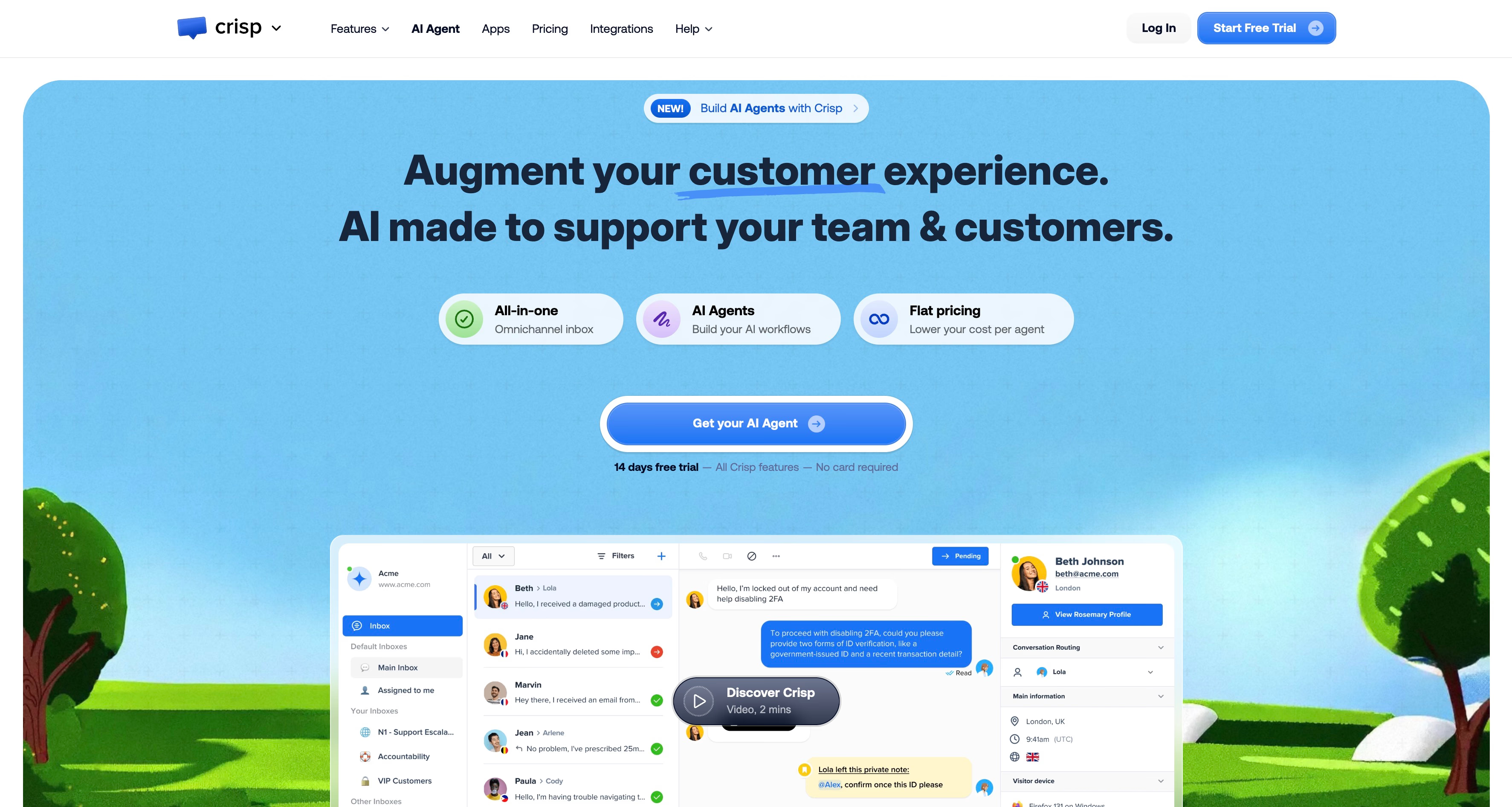
Crisp is set up for small teams that want both live chat and basic automated replies, but do not need anything too fancy.
Here’s what you get with the free plan:
- Shared inbox: Lets up to two people work together to respond to customer messages in one place. This helps keep conversations organized instead of scattered across emails.
- Mobile apps: You can answer messages from your phone, whether you use iOS or Android.
- Basic bot responses: Set up straightforward replies for common, repeat questions.
- Contact form: If nobody is around, Crisp can capture leads through a form.
For new businesses, this setup feels professional and keeps everything in one dashboard.
There is no need to hunt through emails or juggle multiple tools.
Limitations and paid pricing
But let’s be honest, Crisp’s free plan has some real limits if you want more advanced automation:
- No advanced logic: You won’t be able to create branching flows, integrate with outside data, or do complex routing.
- Limited AI: The free option sticks to simple rule-based responses, so you do not get conversational AI.
- Branding: Your chat widget will always show "Powered by Crisp."
- Channel restrictions: Social channels like WhatsApp, Facebook Messenger, and Instagram are off-limits unless you upgrade.
If your needs outgrow these basics, you will need to jump to a paid plan. Pro, at $25/month, or Unlimited, at $95/month, unlock the full chatbot builder and automated workflows.
Crisp makes a strong starter pick for basic live support, but if you want more no-code logic and AI tools without paying a monthly fee, Typebot’s free tier is probably a better fit.
10. Zoho SalesIQ: Best Free Chatbot for Zoho users
What the free plan includes
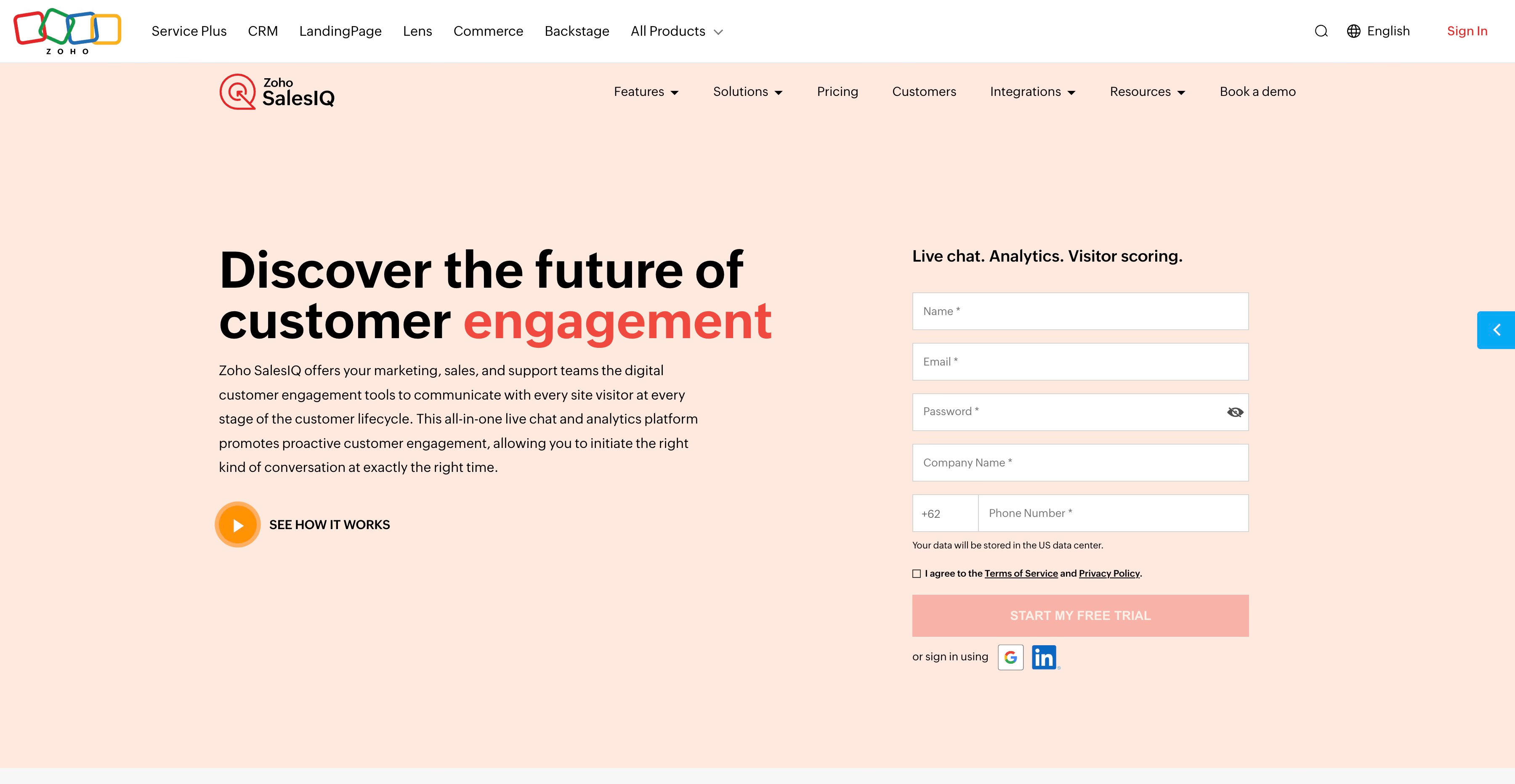
Zoho SalesIQ works well for businesses that already use Zoho’s suite of tools. On the free plan, you get a simple chatbot plus basic visitor tracking. That is enough to see who is coming to your site and how they are engaging.
The biggest selling point is how well it fits with the other Zoho apps:
- CRM Sync: Any leads the chatbot collects, along with conversation records, go straight into Zoho CRM.
- Unified Ecosystem: It connects smoothly with Zoho’s marketing, analytics, and email tools. This helps everything stay organized.
- Visitor Insights: It saves basic visitor data, so small teams can quickly understand who is reaching out and why.
So if your sales team already relies on Zoho, this free tier keeps your lead info in one spot. You do not need to use outside connectors.
Limitations and paid pricing
But SalesIQ’s free plan does have some tradeoffs, especially if you are not tied into Zoho:
- Basic Logic: You are limited to straightforward chatbot flows. If you need advanced logic or complex branching, you will have to upgrade.
- No AI: Features like conversational AI or smart automated replies only come with paid plans.
- Restricted Channels: Multi-channel messaging and advanced reports are not available on the free version.
If you are not using Zoho for your CRM, platforms like Typebot offer stronger logic and AI tools, even at their free level. In short, SalesIQ is really designed for teams deeply invested in Zoho. If you are not, or you want more flexibility, you might get better mileage with another platform.
How to build your first free chatbot in 30 minutes
Step 1: Define your goal and map top questions
A useful chatbot tackles bottlenecks like repetitive FAQs or slow lead capture. Before you start building, choose one main objective.
Maybe you want to qualify leads, handle support, or manage bookings.
Take a look at your recent emails and DMs. Jot down the most common questions you get, aim for about 5 to 10. These will shape your conversation flow.
Think of questions like, “What are your rates?” or “How do I book?” These are the questions you answer again and again.
Step 2: Build your conversation flow
Open Typebot to create your new chatbot.
The visual editor makes it easy to put things together. Just drag and drop blocks to build your chat experience.
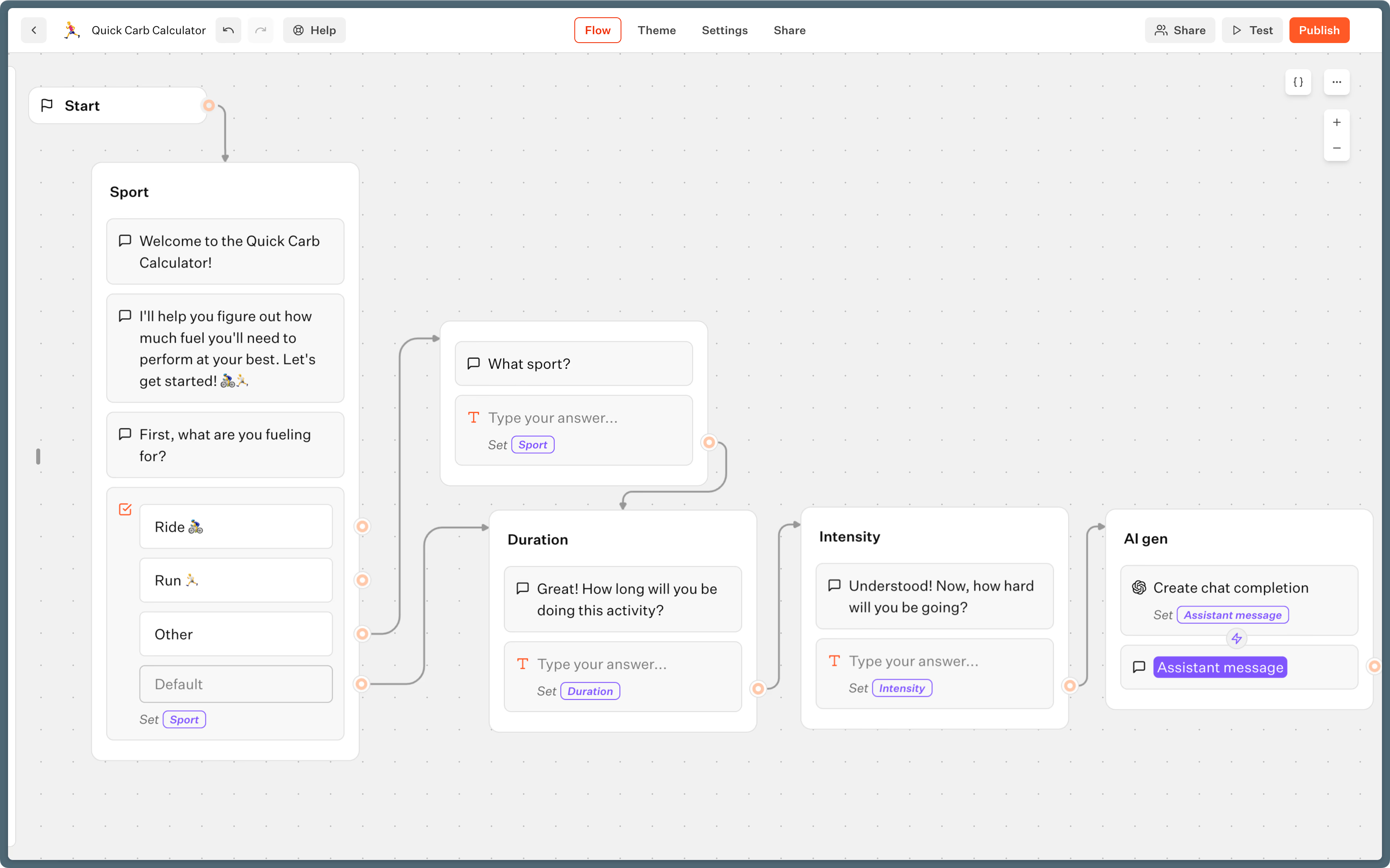
- Welcome message: Start with a friendly greeting. Let people know what to expect.
- Input blocks: Use Buttons for quick choices, Text input for details, and Email or Phone blocks to collect contact info.
- Logic: With Condition blocks, you can send users down different paths. For instance, you might send prospects to your calendar link, while general questions get an FAQ answer right away.
- Personalization: Make it feel more human by using variables like "{{name}}" in your responses. For example, “Thanks, {{name}}!”
- Integrations: Drop in a Google Sheets block if you want leads logged automatically, or use a Webhook to push info to your CRM.
Wrap up with a clear “next steps” message, so folks know they’re done. A simple ending makes the chatbot feel complete and easy to use.
Step 3: Deploy and test
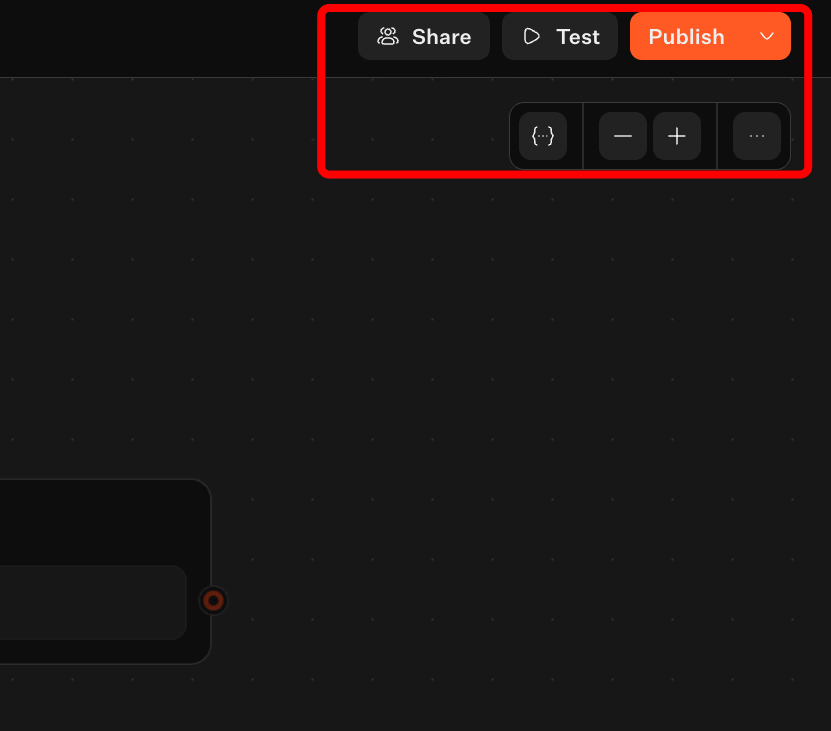
Head to the “Share” tab on Typebot and pick how you want to deploy your bot:
- Bubble: That classic chat icon in your site’s corner.
- Popup: A widget that shows up after someone scrolls or hangs around.
- Embed: A full-window chat for special landing pages.
- WhatsApp: If your visitors are mostly on mobile.
Before you go live, run through every route in the editor and make sure everything works.
Also check it on your phone to confirm the layout looks good.
If all’s well, grab the embed code and install it in your website’s header or body. Testing both the flow and the design helps prevent broken experiences.
Getting a lead-generation bot live won’t take long.
By sticking to the questions you hear most often and automating that data entry with integrations, you save yourself manual work. You also speed up responses for your prospects.
Key metrics to track for your free chatbot
If you’re trying to figure out whether your chatbot is actually useful, it’s worth looking past just how many people use it.
These metrics show whether visitors are engaging, converting, and saving your team time.
Engagement metrics
- Chat started rate: This is the percentage of visitors who decide to start a conversation with your bot. If this number’s low, it could mean your welcome message needs tweaking or that your widget isn’t standing out on your site.
- Completion rate: Out of the people who start chatting, how many finish what you intended, like submitting their info or getting an answer? This tells you if your script is clear and moving at a comfortable pace.
- Drop-off points: Where do users exit the conversation? If people tend to leave at a specific question, it’s probably time to rethink how you ask it, or even consider adding a human contact option.
Business impact metrics
- Leads captured: This counts the unique users who give you their contact info or take a conversion action, like booking an appointment. It’s a direct link between your bot and your bottom line.
- Time savings: Estimate how many hours you save by automating routine tasks, such as checking order status or answering FAQs. For smaller teams, this can mean saving several hours of work every week.
Iteration through analytics
Most chatbot platforms, like Typebot, track these stats for you.
The built-in analytics make it easy to see, step by step, where visitors complete or drop off.
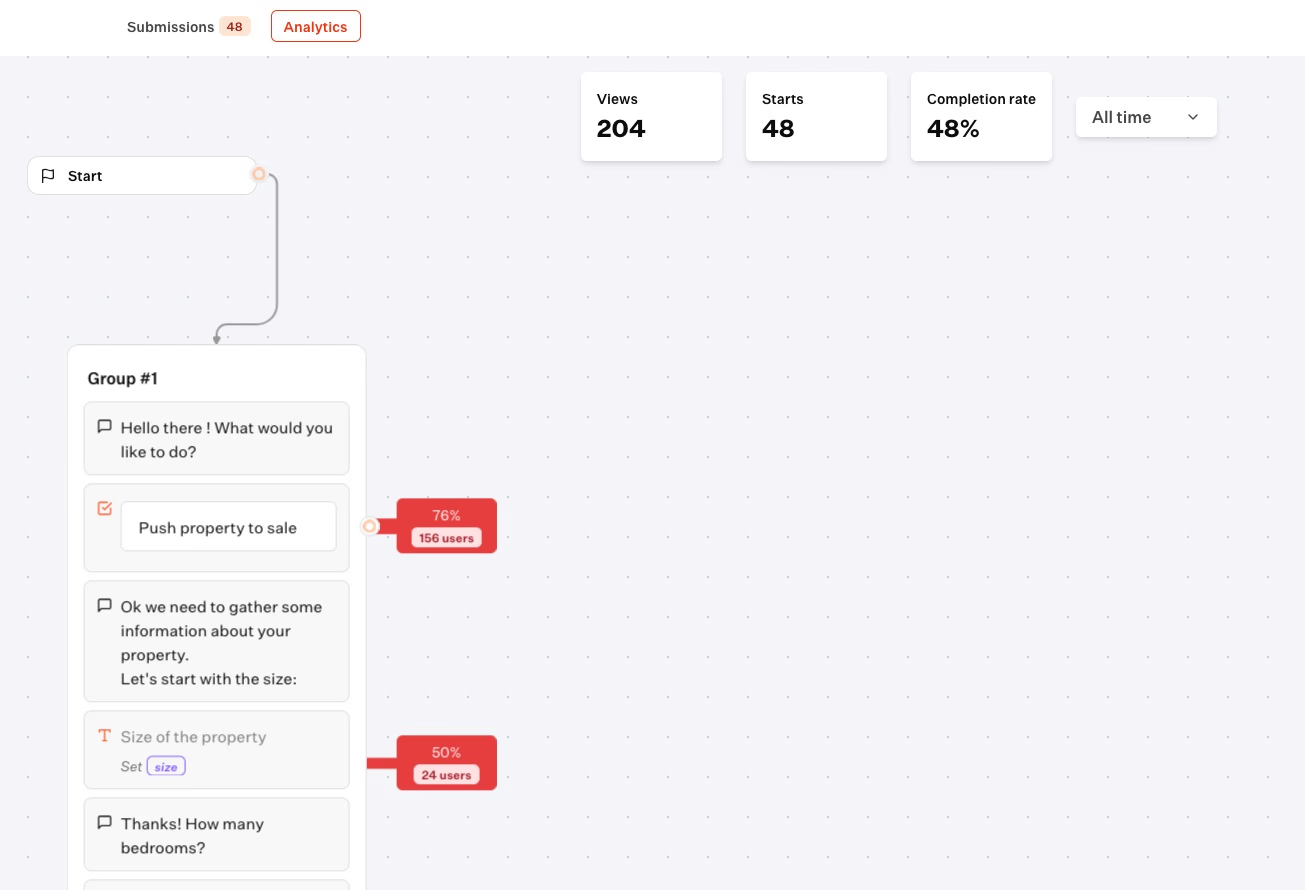
Right in the visual builder, you can also export conversation histories as CSV files if you want to dig into lead quality or compare performance across different channels.
By regularly checking these numbers, you create a simple feedback loop.
Maybe you shorten a chat flow to bump up completion rates, or you fine-tune instructions wherever people tend to drop off.
Consistent monitoring turns a basic chatbot into a trustworthy sales and support tool.
When free is no longer enough: signs to upgrade
Free plans work well for most small businesses, especially at the beginning.
But as things start to pick up, certain situations signal it is time to consider moving to a paid tier or even self-hosting.
Triggers for upgrading
- Hitting usage caps: If you regularly bump up against your 200 monthly chats on Typebot, or hit lower limits on other platforms, the chatbot is holding back your growth. You will miss leads or frustrate users just because you are out of quota.
- Team expansion: Most free plans are built for a single admin. As your team grows, you will likely want multiple people managing conversations or digging into analytics, and the free tier will not cut it.
- Brand presentation: That "Powered by" watermark can make your business look less polished. Upgrading generally means you can white-label and add custom branding, which tends to matter more as you scale.
- Advanced AI and analytics: Free versions typically offer basic metrics. Paid plans unlock deeper drop-off analysis and better AI integrations, helpful for handling more complex or open-ended questions.
Scaling options
On Typebot, the Starter plan ($39/month) gets you 2,000 chats and two team seats.
If you need more, the Pro plan ($89/month) supports up to 10,000 chats and five seats.
If you have an in-house tech team, Typebot’s open-source edition lets you self-host. That way, you remove all chat limits and brand watermarks at no cost.
Catching these milestones early helps you keep your chatbot growing with your business, instead of letting it hold you back.
Start building your free chatbot today
A free chatbot can do more than just answer basic questions. It can capture leads while you sleep, qualify prospects before they reach your inbox, and save you hours of repetitive work every week. The key is picking the right platform from the start.
Typebot gives you full AI access, visual logic flows, and WhatsApp support on its free plan. That is rare. Most competitors lock those features behind a paywall. If you need more volume, self-hosting removes every limit at no extra cost.
Start with one simple goal. Map out the questions your customers ask most. Build a single flow in 30 minutes. Then watch the data tell you what to improve next. Your first chatbot is free. The time it saves you is priceless.
Eliminate the need for developers—build your bot in minutes.
No trial. Generous free plan.